Proof Pack · All families
Crestline Property Care · Field Services
Crestline Estimate Clarity
A request form that asked for everything became a page that tells a homeowner what to expect, then asks for a little.
Crestline does dependable property work: gutters, fences, decks, seasonal cleanups. The estimate page was the gap. It opened with a long form and never said what the visit costs, what they handle, or what happens after you hit send.
Client
Residential property care company
Engagement
Estimate page review, four weeks
Source Material
Request emails, phone intake notes, quote sheets
The operational picture
8
Intake Forms Reviewed
4
Request Stages Defined
1
Office Intake Script Delivered
Mapped across a focused four-week field-services engagement.
Work order
The work at a glance
LOGGED
#001
Where We Started
The page led with a fourteen-field form. Homeowners abandoned it and called instead, asking the same things the form never answered.
CHANGED
#002
What We Changed
We rebuilt the page around what a homeowner weighs first: what we handle, what it roughly costs, how the visit works, then a short request.
MEASURED
#003
What We Measured
This review measured documentation and clarity. Booked jobs and revenue depend on live scheduling data, so we left those numbers out.
4
Week Engagement
4
Request Stages Defined
8
Intake Forms Reviewed
1
Office Intake Script Delivered
The Challenge
The page asked before it answered
Crestline's estimate page opened with a long form: address, scope, square footage, photos, preferred dates. All useful eventually. But a homeowner who just wanted to know whether Crestline even does deck repair, and roughly what it runs, had to fill out half a form to find out. Most did not. They called, and the office answered the same three questions before booking anything.
Source Material
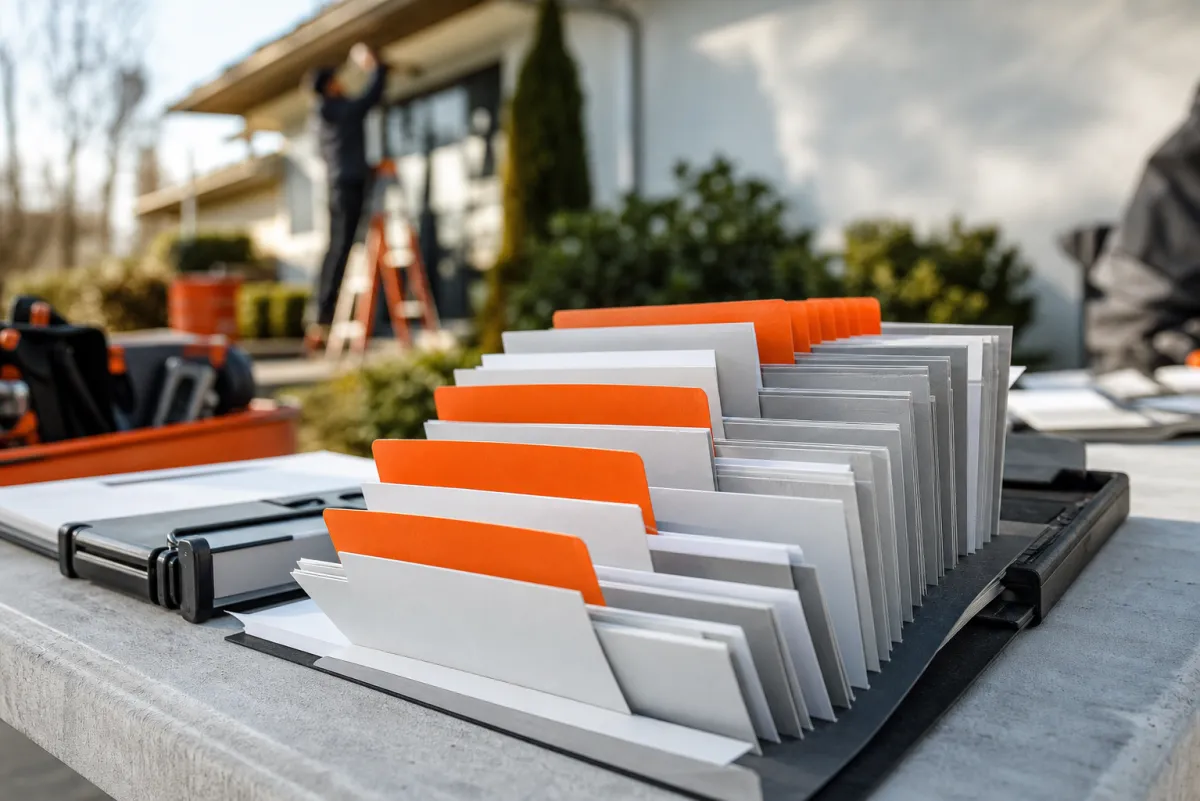
We worked from a month of request emails, the phone intake notes, the quote sheets, and the service language Crestline had already approved.
Artifact 01
Request emails, grouped by the question behind each call

Artifact 02
Phone intake notes with our plain-language annotations

Artifact 03
Quote sheets mapped to the missing page detail

On Site
A calm motion loop stands in for the crew's own job-site footage.
Our Approach
We answered before we asked
We listened to the calls a homeowner made before requesting an estimate, then grouped the page around the three things they wanted first: what Crestline handles, a rough cost range, and how the visit works. Only then, a short request. The goal was never a longer form. It was a page that earned the form.
1
Gathered request emails, intake notes, and quote sheets.
2
Grouped questions into services, cost range, the visit, and the request.
3
Reviewed where each answer lived versus where homeowners looked.
4
Drafted an answer-first estimate page with a short request.
5
Delivered an office intake script matched to the page.
The Evidence
The evidence behind the new request
We kept observed evidence separate from outcomes that only the live scheduling data can verify.
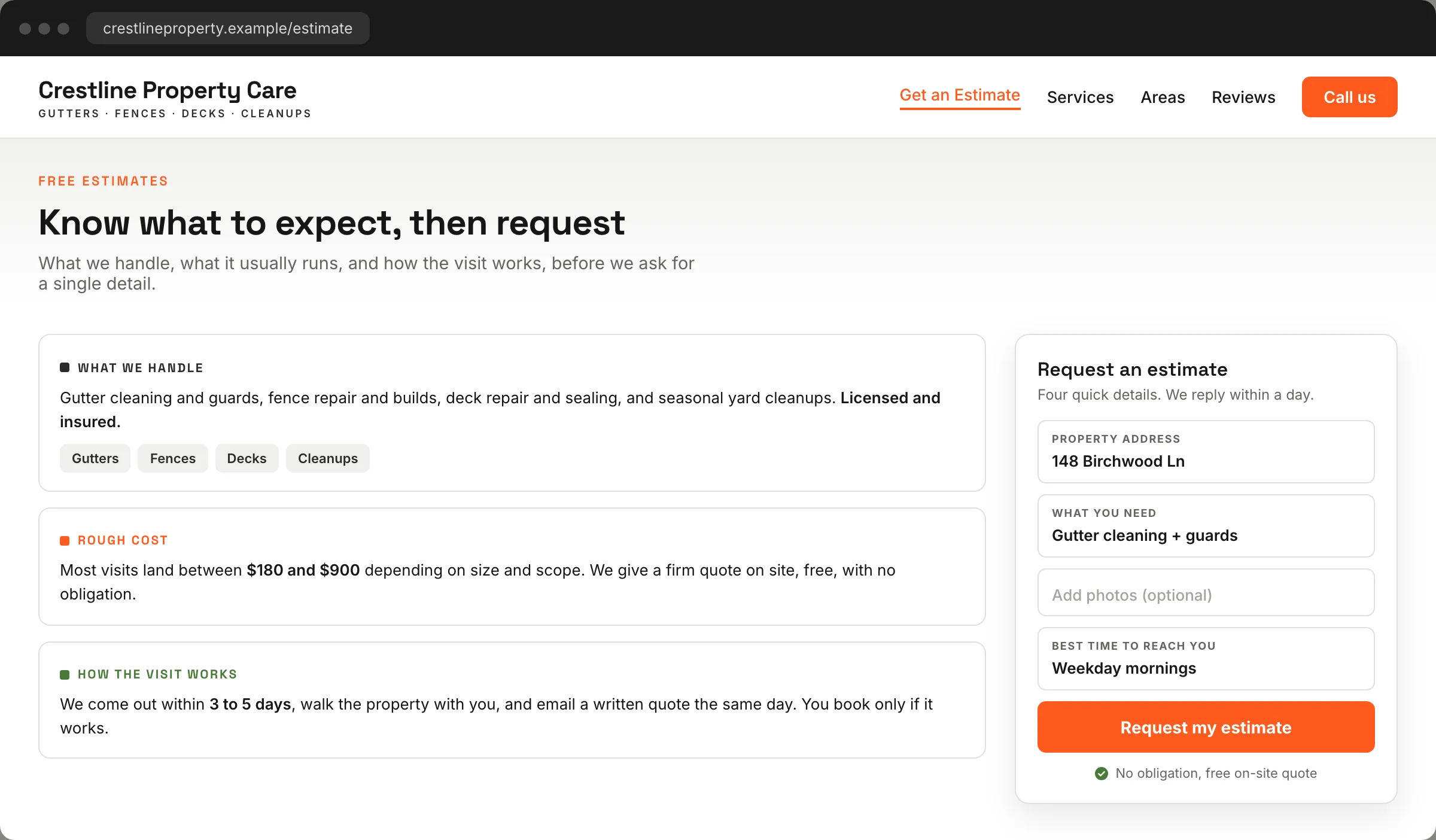
The reorganized estimate page as homeowners now read it: what we handle, a rough cost range, how the visit works, and a short request, in one clear order.

Request Map
How recurring intake calls grouped into three answer areas and one short request.
Request Map
The new page order follows how a homeowner decides: do you do this, what does it cost, how does the visit work, then the request.
Answer Path
Services, cost range, visit steps, and a four-field request now move through one sequence instead of one long form.
What We Did Not Measure
Booked jobs, close rate, and revenue sat outside this review. Those belong to verified scheduling data, so we left them out.
Reflection
One request order the office could explain
By the end of the review, the office had one estimate page they could walk a caller through in a single pass, and a short intake script that matched it. The revised page, the request emails behind it, and the owner's reflection below are the record of that work.
“The page finally answers the three questions we used to answer on every call. The form gets filled out now because people trust it.”
Owner, Crestline Property Care
Inside the System
Built on a real Divi 5 design system
Every color, type size, spacing step, and component on this page is a named Divi 5 variable or preset. Change one and the whole story restyles, so making it yours is an edit, not a rebuild.
Design Variables
Change one color or type scale in the Variable Manager and the entire page follows. Nothing here is hardcoded, so your rebrand takes minutes.
Element Presets
Mastheads, proof rails, evidence frames, quote panels, and buttons all run on named presets. Restyle one and every match updates with it.
Rows That Stay Even
Card rows hold equal heights no matter how long your content runs. Paste your real copy and the layout keeps its shape on every screen.
Ready For Your Story
The sample case study, labels, and images are isolated for clean swaps. Drop in your own work without untangling a single style.